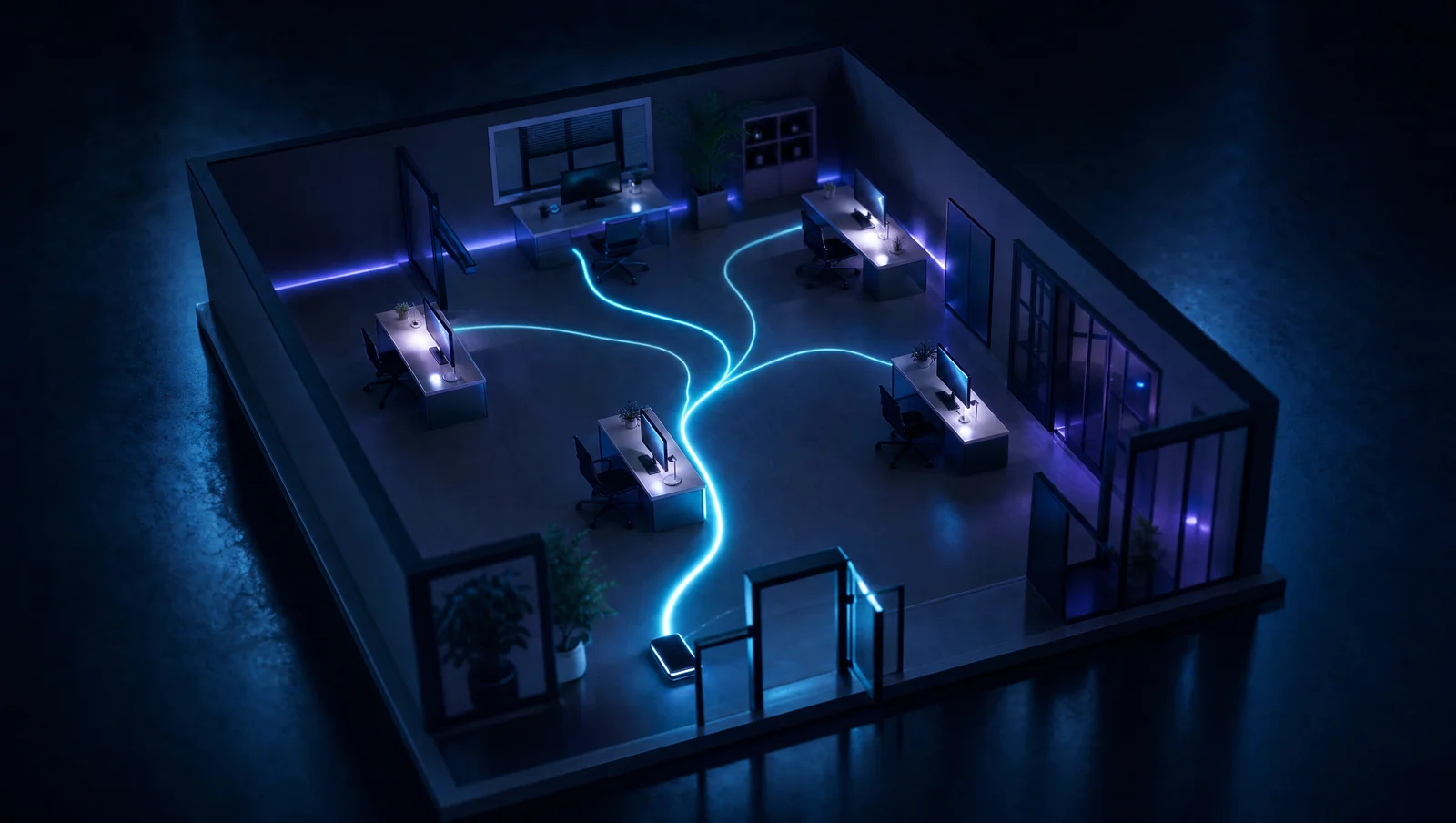
Short answer: set up small-office call routing with about six rules you configure once — ring your main number to a group of three rather than one handset, cap each hop at roughly 20 seconds, choose simultaneous or sequential ringing to match the job, and add time-of-day rules. Below are all six, plus copy-able routing maps for three common office types.
Here's a number worth sitting with: studies have found only about 38% of calls to small businesses are answered live. And in a 5–15 person office, the reason is rarely that nobody was available. It's that the call rang one phone, on one desk, and the person at that desk was on the other line — while everyone else in the office sat next to handsets that never made a sound.
That's a routing problem, and routing is the cheapest problem in telecom to fix. For a small office, good routing is about six rules configured once in a settings screen. This is the recipe book: what the rules are, what to set the timers to, and three routing maps you can copy for the most common office archetypes.
Routing is fix #1 on the six-step ladder in our guide to never missing a call — the free step you take before spending a dollar on anything else. This post is that fix, expanded into a full recipe.
Rule 1: Ring groups — the front-desk trio, not one phone
The single highest-impact change in this post: your main number should never ring one handset. It rings a group — typically a trio: the front desk, the office manager, and one more person who's usually at a desk. When one is on a call or away, the other two are still live paths to a human. One phone is a single point of failure with a dial tone; the fact that it usually gets answered is what hides how often it doesn't.
Two notes on who belongs in the group. First, "handset" doesn't have to mean a desk phone — a mobile app on someone's existing cell counts, which is how a part-timer or a back-office person becomes a legitimate third answerer without new hardware. Second, keep the group honest: three people who actually answer beat six people who assume someone else will. If everyone owns the phone, nobody does.
Rule 2: Cascade timing — about 20 seconds per hop, never ring-forever
Callers give a business roughly 25 seconds — about five rings — before they bail. So no step of your routing gets to ring forever: give each hop about 20 seconds (four rings), then move the call automatically to the next step. Ring-forever-then-voicemail isn't patience, it's a slow goodbye.
Notice the math: two hops at 20 seconds already overspends the average caller's patience, and you're only forgiven because the call is audibly going somewhere. The lesson is to keep chains short — first hop, one backup hop, then resolve the call. Anything longer isn't a cascade, it's a tour of your office's empty desks.
Rule 3: Simultaneous vs. sequential — when each wins
Ring groups come in two flavors, and offices routinely pick the wrong one for the job.
- ▸Simultaneous rings every phone in the group at once; first pickup wins. It's the fastest possible answer, which makes it right for the front-line group — the trio whose job includes the phone. The cost: everyone in the group gets interrupted, and everyone's log shows a "missed" call someone else answered.
- ▸Sequential rings phones in order — A, then B, then C. It's right when there's a correct first answerer and true backups: the dispatcher first, then the office manager, then the owner. It protects people who should only get the call when it would otherwise be lost.
- ▸The recipe: simultaneous within a role, sequential between roles. The front-desk trio rings together; the escalation to a backup person is a separate, ordered hop.
Rule 4: Time-of-day rules — open, lunch, and closed each get a plan
- ▸Open hours: the full routing map below, on a schedule the system enforces — not a switch someone has to remember.
- ▸Lunch: the group shrinks to whoever's actually there, the overflow fires faster, and the greeting is honest: "We're with other customers." Six unexplained rings at 12:30 is how competitors get discovered.
- ▸Closed: the after-hours plan takes over automatically — an honest greeting with hours, an emergency path if your business has one, and a fallback that resolves the call rather than recording it.
- ▸Holidays: a dated exception schedule set once a year. The Thanksgiving caller who reaches an ordinary Tuesday greeting knows nobody's minding the phone.
Rule 5: The overflow chain — never end at bare voicemail
Every map needs an answer to "what if nobody picks up?" The chain: ring group (20 seconds) → backup person (20 seconds) → AI receptionist or missed-call text-back. The backup hop is usually the owner or manager's cell via find-me/follow-me — the silent second ring that doesn't interrupt them until the call would otherwise be lost. The final link resolves the call: an AI receptionist answers questions and books the appointment, or at minimum an instant text-back turns the hang-up into a thread. What the chain never ends at is a bare beep — roughly 85% of callers who hit voicemail hang up without leaving a message, which makes bare voicemail less a fallback than a trapdoor.
Three routing maps to copy
The professional practice (front desk + practitioners)
Main number → front-desk trio, simultaneous, 20 seconds → office manager, 20 seconds → AI receptionist (books, reschedules, answers FAQs) → text-back as the last net.
The defining rule: practitioners are never in the ring path during working hours. The routing exists to protect the people doing billable work while guaranteeing the caller a live answer, and the AI tier fits naturally because most overflow calls are scheduling.
The trades dispatch office
Main number → dispatcher + backup, simultaneous, 20 seconds → owner's cell via find-me/follow-me, 20 seconds → AI answering with an emergency escalation path.
Field techs never ring — a tech under a house answering the main line helps nobody. The overflow tail matters most here: after-hours emergency callers dial down a list until someone answers, so the final link must separate "burst pipe now" (page the on-call) from "quote next week" (booked for the morning).
The retail / appointment shop
Main number → counter + back office, simultaneous, 20 seconds → manager's cell, 20 seconds → AI receptionist or text-back with a booking link.
Time-of-day rules do the heavy lifting: at peak the counter can't reasonably answer, so the overflow fires sooner instead of letting the phone compete with the register. Nearly every missed call here is a booking, which makes the text-back-with-booking-link tail almost a second cash register.
The monthly self-test
Routing rots quietly — someone leaves, a schedule doesn't get a holiday, a forward points at a dead extension — and the only person who ever notices is a customer. So test it like one:
- 1.Call your main number from an outside phone during open hours. Count seconds to a live answer.
- 2.Call at lunch. Does the shrunken group answer, or does it ring into the void?
- 3.Call after close. Is the greeting honest about hours? Does the overflow resolve the call?
- 4.Press nothing, say nothing — follow the no-input path to wherever it actually lands.
- 5.Pull the missed-call report and compare it to last month. The trend is the grade.
Fifteen minutes a month. Most owners who run it the first time find at least one path that ends somewhere nobody intended — a forward to an ex-employee's extension, a holiday greeting still playing in February, a no-input path that dead-ends in an unmonitored mailbox. Finding it yourself costs fifteen minutes; letting customers find it costs customers.
What your phone system must support
- ▸Ring groups with both simultaneous and sequential modes
- ▸Per-hop ring timers you control (the ~20-second cascade)
- ▸Business-hours schedules with lunch and holiday exceptions
- ▸Find-me/follow-me to a cell phone, through the business number
- ▸Overflow targets that resolve calls: AI receptionist, missed-call text-back
- ▸A missed-call report you can actually pull, per line and per month
Every rule in this post should be a settings screen, not a support ticket — that's the standard on a modern cloud voice platform. And if your provider charges per-feature for ring groups, meters your routing rules, or quotes a change order to adjust a timer, the problem isn't your process — it's your platform. Our business phone system buyer's guide covers what to buy instead and how to switch without missing a call.
Two natural next steps once routing is set: if volume justifies a menu in front of the maps above, the auto-attendant setup guide covers the one-layer rule and the greeting scripts — and for the minority of offices that genuinely need two, when a second menu layer earns its place sets out the three cases that justify it; and routing itself is only step one of six — text-back, after-hours coverage, and AI answering stack on top of it, in order, in the never-miss-a-call playbook. Two specific tails of the chain above have their own guides: missed-call text-back for the last net, and call queues and overflow for when the problem is that everyone is genuinely on the phone at once.
Frequently asked questions
How many phones should ring when someone calls our main number?
At least two, ideally three — a front-desk trio ringing simultaneously. One handset is a single point of failure, and it's the most common reason a fully staffed office still misses calls.
How long should each hop ring before the call moves on?
About 20 seconds — four rings. Callers give a business roughly 25 seconds total before hanging up, so keep the chain to two hops and then resolve the call with AI answering or text-back.
Should I use simultaneous or sequential ring?
Both, in different places: simultaneous within a role (the front-line group rings together for the fastest pickup) and sequential between roles (escalation to a backup person or the owner, in order, only when the first hop misses).
Where should a call go when nobody in the office answers?
Down the overflow chain: group, then a backup person's cell via find-me/follow-me, then an AI receptionist or instant text-back. Never bare voicemail — roughly 85% of callers who hit it hang up without leaving a message.
Do I need new hardware to set up call routing?
No. Every rule here — groups, timers, schedules, overflow — is software configuration on a modern cloud phone system, and it works with the desk phones, computers, and cell phones you already own. If your current system needs a technician visit to change a ring timer, that's the thing to replace.
A 5–15 person office can route calls as well as a company ten times its size — the rules above are one afternoon of settings. Every one of them ships standard on our plans, with no per-feature fees: the pricing is public.